Accessing Groq Cloud
Step 1 – Go to the Groq Cloud Homepage
Open your browser and go to the following URL:
https://console.groq.com/home
This is the official Groq Cloud Console. It allows developers to access Groq’s high-speed inference platform designed for running AI workloads at exceptional speed and efficiency.
Step 2 – What You Will See
When you open the page, you will see the Groq Cloud home screen.
The heading reads “Build Fast” and invites users to join over two million developers building on GroqCloud.
Groq provides inference performance that is optimized for both speed and cost, allowing developers to build and deploy AI applications quickly.
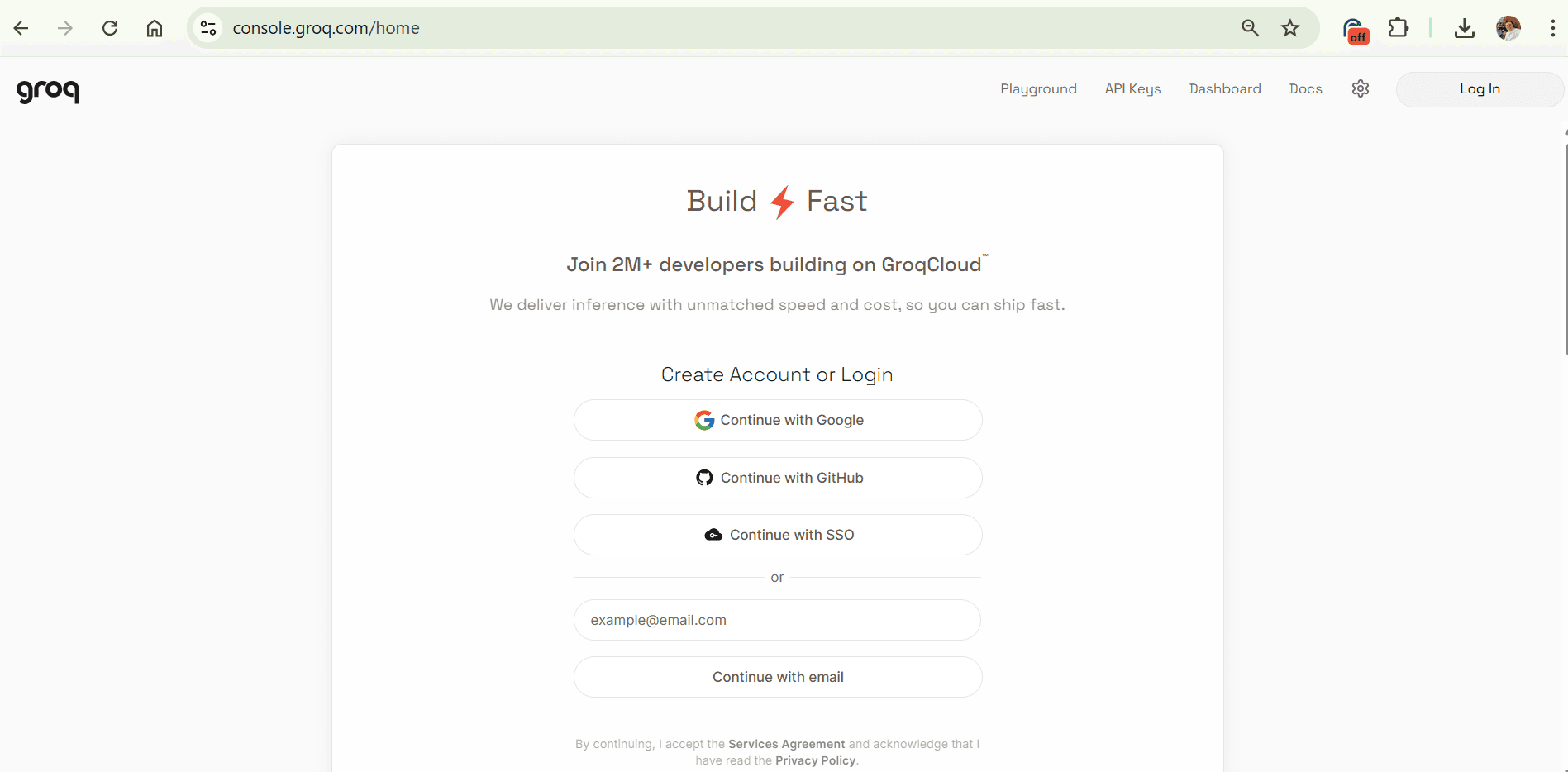
Step 3 – Create an Account or Log In
The home page includes a section titled “Create Account or Login.”
You can choose one of the following sign-in methods:
**Continue with Google (recommended for most users)
Continue with GitHub
Continue with SSO (Single Sign-On)
Enter your email address and select “Continue with email.”
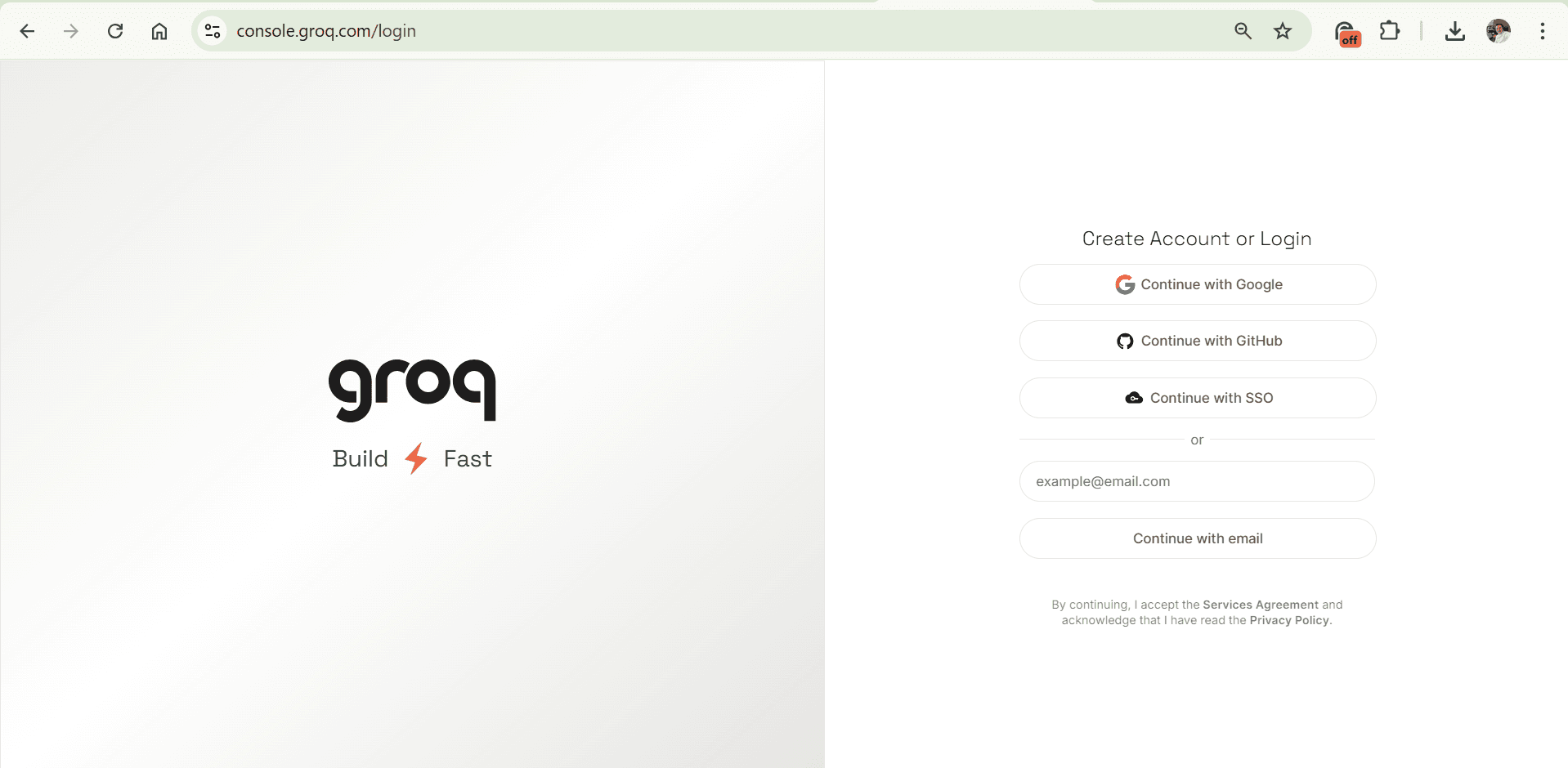
For convenience, using “Continue with Google” is the fastest and simplest method to create an account or log in.
Step 4 – No Credit Card Required
Creating a Groq Cloud account is free. You do not need to provide credit card details or payment information at the time of registration.
Once you sign up, you can immediately explore the platform, use the Playground, and generate API keys.
Step 5 – After Signing In
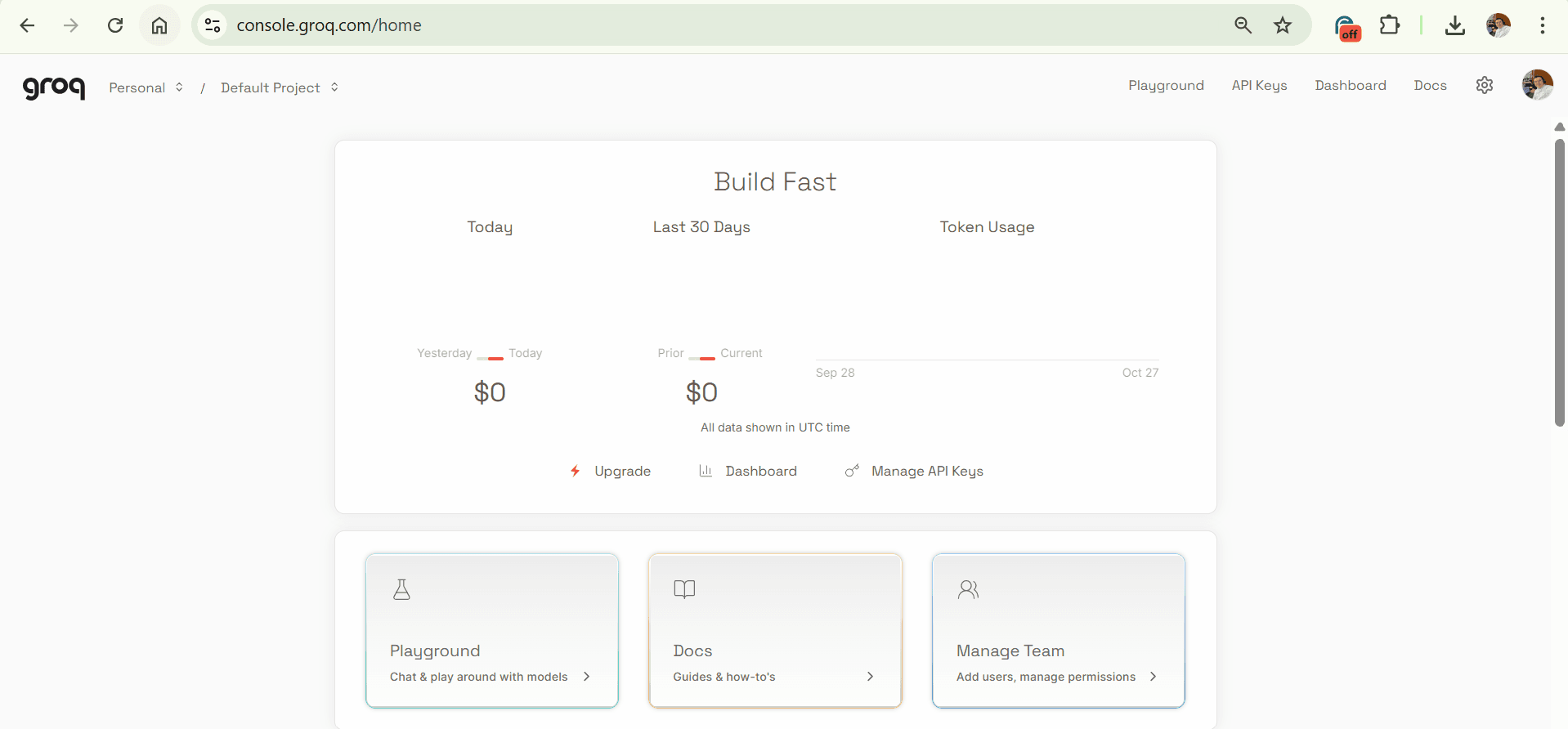
After you sign up or log in, you will be taken to the Groq Cloud Dashboard.
From there, you can access the Playground to test AI models, manage API keys, and review documentation and quick-start guides.
Step 6 – Select a model in the Groq Playground
Open the model selector at the top-right of the Playground. In the search field, type “gpt-oss” and you will see options such as “openai/gpt-oss-20b” and “openai/gpt-oss-120b.” Click the model name to choose it. The information card that appears shows the current usage limits and the release status; treat that card as the source of truth for quotas and other operational details.
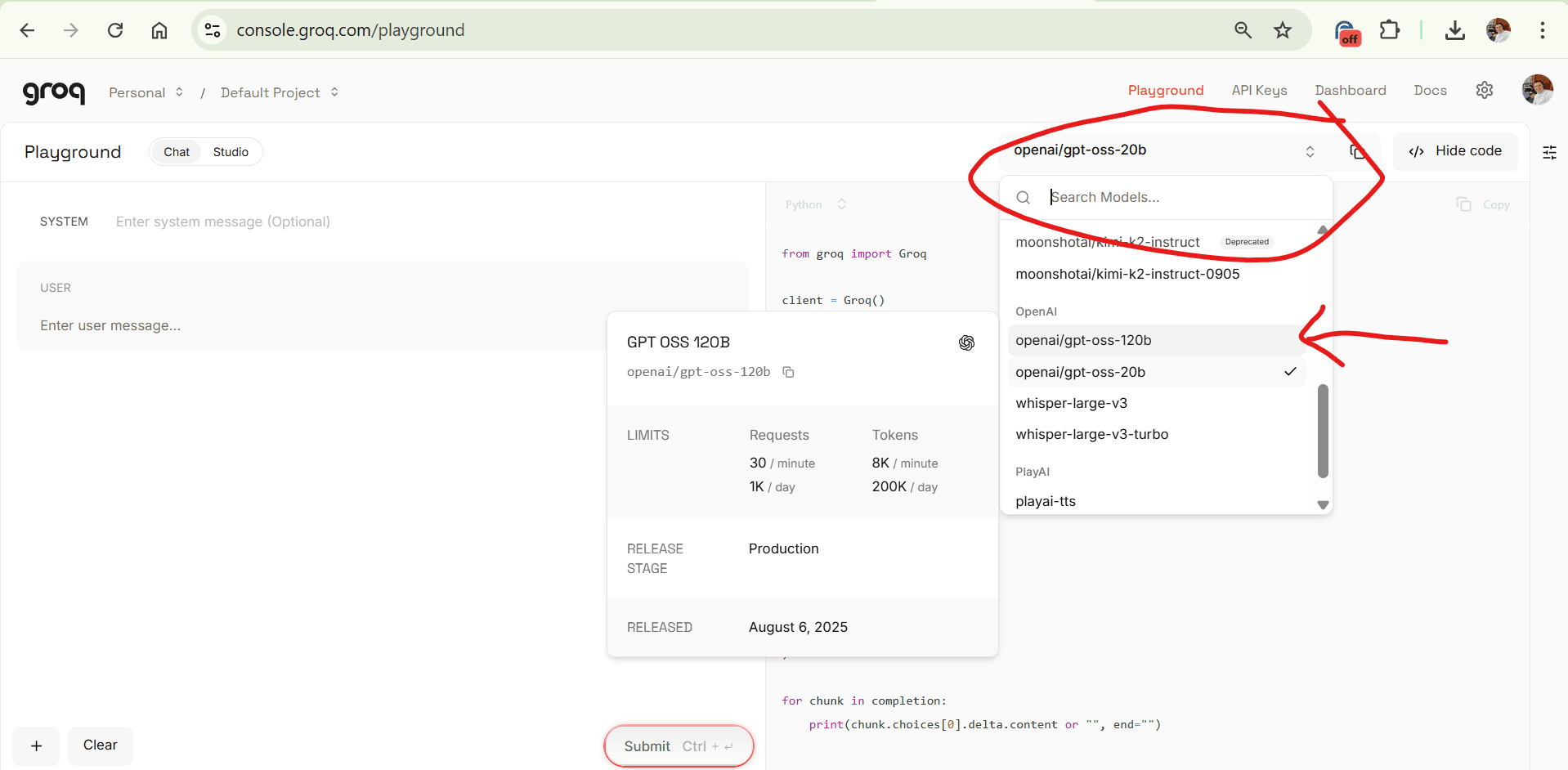
The label “openai/gpt-oss-XXb” indicates an OpenAI-compatible, open-source GPT model hosted on Groq. The “XXb” suffix is the parameter scale of the model in billions. Larger models generally capture more complex patterns in language, which helps on reasoning-heavy tasks, but they also cost more tokens to run and may respond more slowly. Smaller models are lighter and faster for simple or moderately complex prompts.
Choose openai/gpt-oss-20b when you want speed and low cost for drafting, summarising, rewriting, short Q&A, basic classification, and straightforward code or formula help.
Choose openai/gpt-oss-120b when you need stronger reasoning, multi-step analysis, longer or more structured outputs, transformation of messier inputs, or higher factual robustness. If you are unsure, start with 20b to test the workflow and switch to 120b if the task requires deeper reasoning or the output quality is not sufficient.
After selecting the model, set the “Chat” view if you want a system message plus user message flow. Use the system message for the role and constraints you want the model to follow, then type your user request in the user box.
Step 7 – Send a prompt
Press Submit (or Ctrl+Enter) to run the request. The right-hand panel shows sample code you can copy for Python or JavaScript if you later want to call the same model through the API with the same prompts and parameters.
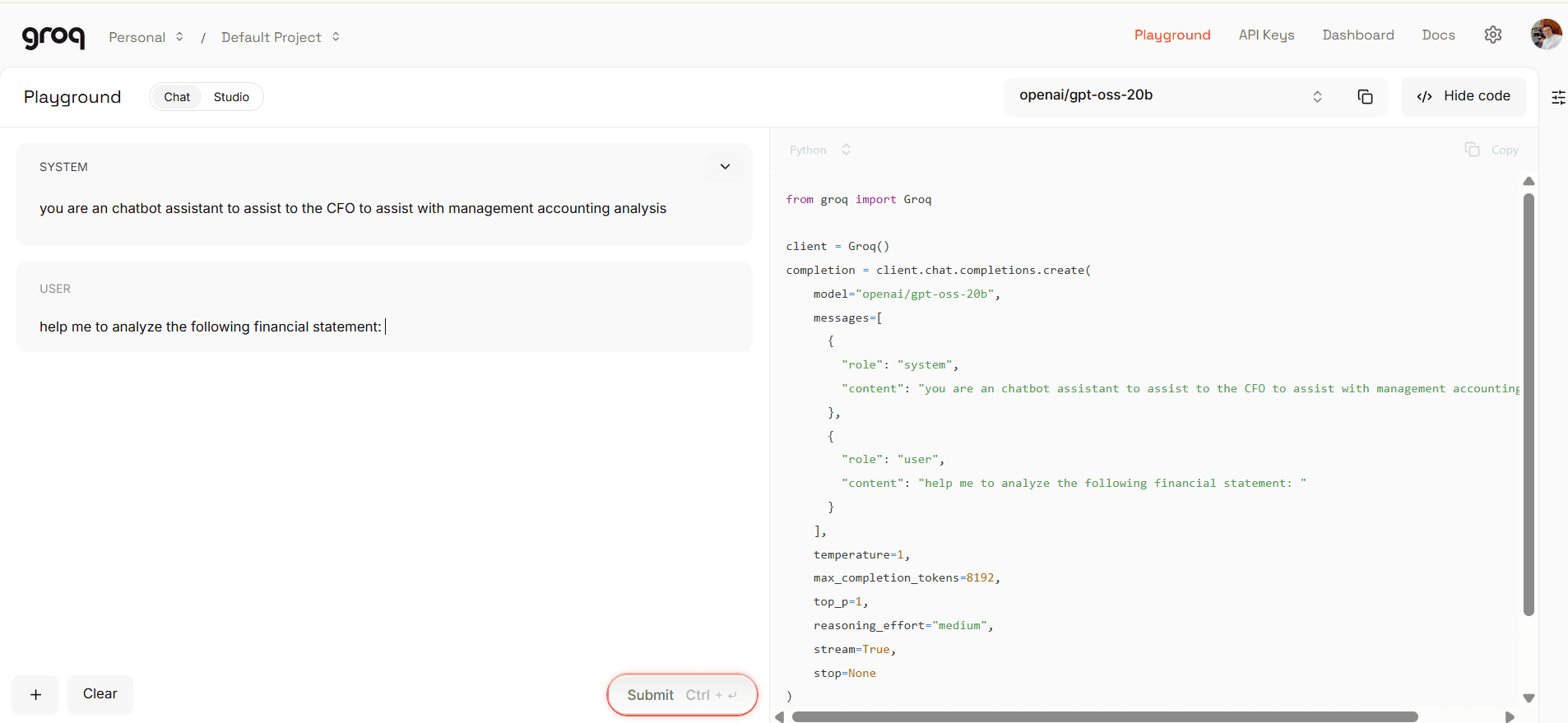
Below is a ready-to-use example tailored to the screenshot workflow. Paste the system text into the System box and the user text into the User box, then submit.
System
You are a finance and management-accounting assistant for the CFO. Follow professional accounting language. When data is provided, perform variance analysis, identify drivers, quantify impacts, and state assumptions and limitations. Structure the answer as Executive summary, Detailed analysis, Risks and sensitivities, and Next actions.
User
Help me analyse the following financial statement. First, restate the key totals. Second, compute year-over-year variances and express them in absolute and percentage terms. Third, explain the primary mix, price, and volume drivers behind revenue and margin movement. Fourth, comment on operating leverage, opex discipline, and any one-off or non-recurring items that could distort comparability. Finally, provide three follow-up questions I should ask the finance team.
[Paste or attach the income statement here. If you only have a link or partial figures, paste whatever you have and note any gaps.]
If you want to compare 20b and 120b on the same task, run the exact prompt above with 20b, review the output quality and reasoning depth, then switch the model to 120b and re-submit. This gives a direct, like-for-like quality and latency comparison under your own data and constraints.