Introduction – Bringing AI Closer to You
Until recently, almost all powerful Artificial Intelligence systems — like ChatGPT or Claude — could only be used online through cloud services. You opened a browser, asked your question, and waited for a remote supercomputer to respond.
But now, a growing number of professionals and researchers are starting to download and run AI models locally — that is, directly on their own laptop or workstation.
Why? The reasons are simple and practical: privacy, security, cost, and control.
This chapter explains why someone might want to run an LLM locally, introduces Ollama, one of the easiest ways to do so, and explores the trade-offs — what you gain in independence but also what you lose in convenience and scale.
The Idea of Running an LLM Locally
When you use ChatGPT or Claude online, your words are sent to a remote data centre where the AI model lives. The system processes your request and sends the answer back. You never see or control where the data goes — you simply trust the service provider.
Running a model locally means the opposite: the AI lives on your own computer. Your questions, data, and outputs stay on your device. There’s no internet connection required after downloading the model, and no data ever leaves your laptop unless you choose to share it.
In essence, it’s like owning your own small version of ChatGPT that works completely offline.
For some people — especially those working with confidential business, legal, or health data — this is a huge advantage.
Why Privacy and Security Matter
Many professionals handle sensitive information. Accountants, auditors, lawyers, and consultants often deal with financial statements, payroll data, and private correspondence. Sending that kind of information to a public AI service raises legitimate questions:
Who sees the data?
When you use an online AI service, your text may pass through servers owned by a third party. Even if it’s encrypted, some companies are cautious about sharing client or internal data externally.
Where does the data go?
Global cloud systems might store data in multiple countries. For some industries — especially those under government or financial regulation — data location matters for compliance reasons.
Can the AI learn from my data?
Most commercial providers assure users that private conversations aren’t used to retrain their models, but highly security-conscious organisations still prefer full control.
By running an LLM locally, professionals can avoid these risks entirely. The model never connects to an external network. Everything — inputs, processing, and results — happens securely on the local machine.
For example, an accountant analysing confidential client reports can use a local model to summarise documents without ever sending them to an external server.
Cost – The Hidden Advantage of Local AI
Another major reason for running models locally is cost efficiency.
When you use ChatGPT, Claude, or Gemini online, every question you ask is processed on remote computers owned by the service provider. These companies charge for access, usually through subscriptions or per-use fees.
That’s fine if you only need occasional help. But what if you need the AI to perform hundreds or thousands of calculations per minute?
Imagine a financial analyst running automated reconciliations, or a data auditor verifying transaction logs across multiple companies. Using a paid online AI for that workload could quickly become expensive.
Running a model locally avoids those usage costs. Once you download the model, it’s yours to use as often as you like — without per-question fees.
Of course, this shifts the cost from “cloud usage” to “hardware ownership.” You’ll need a computer powerful enough to run the model efficiently. But for many small teams, that can be a worthwhile investment.
Introducing Ollama – An Easy Way to Run AI Locally
One of the most user-friendly tools for running AI models locally is called Ollama (available at https://ollama.com).
Ollama makes it easy for anyone — even without a technical background — to download and run open-source language models directly on their laptop. It’s available for macOS, Windows, and Linux, and acts as a simple platform for managing models.
On Ollama’s website, you can browse a collection of models, including:
LLaMA 3 – Meta’s open-source large language model.
Gemma – A lightweight model from Google designed for efficiency.
Mistral – A popular model that balances strong performance with smaller size.
Phi 3 – Microsoft’s compact yet capable model for reasoning and coding.
NeuralChat – A conversational model designed for general use.
Each model varies in size — some are small enough to run smoothly on a modern laptop, while others are so large they require powerful desktop GPUs.
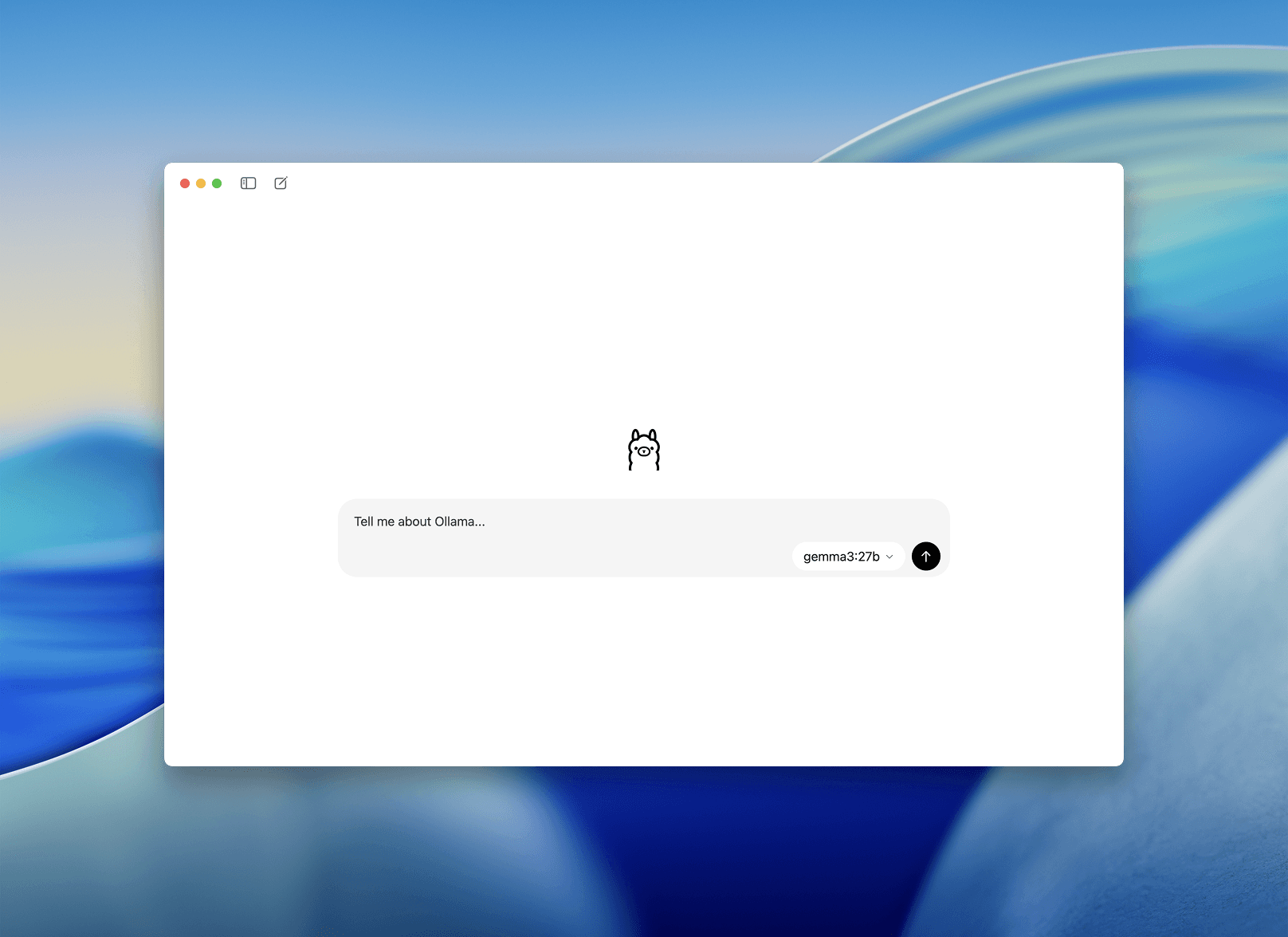
To use Ollama, you simply install the app, download a model, and start interacting with it through a simple chat interface. Once downloaded, it works completely offline — no internet required, no data sent elsewhere.
It’s like having your own mini ChatGPT, entirely under your control.
The Hidden Trade-Offs – Power, Storage, and Performance
Running an LLM locally offers freedom and privacy, but it comes with hardware limitations.
Storage Space:
Some models are enormous — 7 to 70 gigabytes (GB) or more. A large model could easily fill up your hard drive.
Processing Power:
These models need significant computing power, especially for larger versions. If your laptop has only a basic processor or no dedicated graphics chip, the model may run slowly or not at all.
Energy and Heat:
Running a large model for long periods can cause your device to overheat or drain the battery quickly.
In other words, local AI is powerful but demanding. It’s ideal for light to moderate use — such as analysing small datasets, testing ideas, or summarising documents — but less suited for high-volume enterprise workloads.
Why Cloud Providers Still Matter
Even as local AI becomes easier, cloud-based systems remain essential for most professional and business applications.
Here’s why:
Scalability – Cloud providers can handle thousands of requests at once without slowing down.
Power – They run on clusters of GPUs, making even the largest models (like GPT-4 or Claude 3) accessible.
Reliability – Cloud systems ensure uptime, automatic backups, and updates.
Collaboration – Teams can share results and workflows easily from anywhere.
For complex or large-scale AI workloads — such as running analytics across millions of records, or powering customer-facing chat systems — using cloud-based AI remains the most practical approach.
In many cases, organisations adopt a hybrid strategy:
Sensitive data is processed locally for privacy.
Larger analyses are offloaded to the cloud for performance and collaboration.
This combination balances security, speed, and flexibility.
Sovereign Clouds – Knowing Where Your AI Lives
As AI becomes more integrated into business and government, data sovereignty — the principle that data should stay within national or organisational borders — has become increasingly important.
A sovereign cloud is a cloud environment specifically designed to comply with local laws about where data can be stored and who can access it. For example:
An Australian healthcare provider may prefer an AI service that stores data only within Australia.
A European company may require that all data remain within the EU, under GDPR protections.
Even when using large cloud providers like AWS, Microsoft, or Google, some organisations choose their regional data centres or sovereign cloud offerings to maintain full control over where AI processing occurs.
This ensures privacy and compliance while still benefiting from the scale and reliability of the cloud.
Choosing Between Local and Cloud AI
The decision to run AI locally or in the cloud depends on your goals:
Local AI (using tools like Ollama) is ideal when:
You’re working with confidential data.
You want to avoid internet connections.
You’re experimenting or learning about AI.
You want to avoid ongoing usage costs.
Cloud AI (using platforms like ChatGPT or Claude) is better when:
You need high performance and reliability.
You work with large datasets or complex tasks.
You need collaboration and data backup.
You want access to the most advanced models.
In short:
Local AI gives you privacy and independence.
Cloud AI gives you power and convenience.
The smartest organisations often use both.
Conclusion – Freedom, Control, and Responsibility
Running a Large Language Model locally is a remarkable step forward in personal computing. It represents freedom — the ability to harness advanced AI without relying on remote servers or third-party companies.
Tools like Ollama make this possible for everyone, not just technical experts. With a few clicks, you can download a model, talk to it, and explore its capabilities entirely on your own device.
Yet, this freedom comes with responsibility — managing storage, power, and updates, while recognising that local models are smaller and sometimes less capable than their cloud-based counterparts.
Ultimately, the future of AI will likely blend both worlds: powerful global clouds providing frontier intelligence, and lightweight local models giving individuals privacy and autonomy.
For accounting and business professionals, understanding this balance isn’t just about technology — it’s about trust, cost efficiency, and control over how information is processed in the age of intelligent machines.